
Amazon delivered my 1TB WD Black NVMe drive today along with 6 sata cables with straight end connectors. Needed to replace two of the sata cables in the Hack2 since they both have one connector end with a 90 degree bend. That bend made it difficult to plug in the cables with how things are arranged in the case. It was a pain in the neck installing the NVMe drive on to the motherboard. I had to remove the wifi/bluetooth card, the video card, and the CPU cooler before I could access the NVMe slot. But before I could remove the video card, I had to access the butteryfly locking lever on the Pci Express x16 slot and push it down. With a long video card like my Sapphire Radeon Pulse RX 580 8GB GDDR5, it was hard to get to the locking lever. I managed to flip the lever down to release the video card.
I formatted the new drive as APFS case insensitive. I used Carbon Copy Cloner (CCC) 5 to clone the old drive with the new drive as the destination. It gave me a warning that the new drive’s format didn’t match the old drive’s APFS case sensitive format. I told it to continue with the cloning.
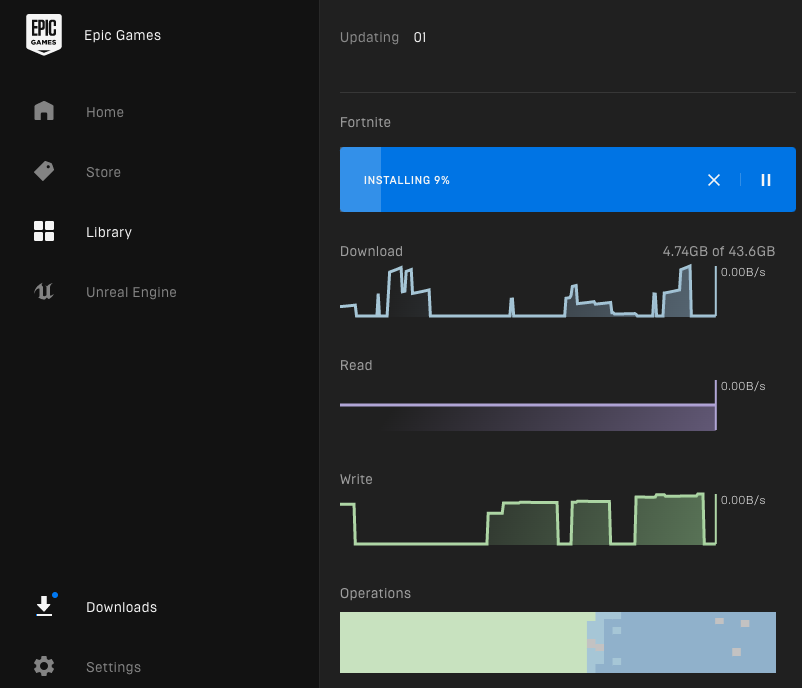
I was able to boot up using the new drive. Then I was able to install Steam and League of Legends without getting that warning message about the case sensitivity. I went ahead and resumed my attempt at installing Fortnite. I didn’t have enough space to install it before. It is a large download. It is still in the install process at this moment.
That wraps up this post. Catch you later.